Now, accounts can effortlessly save time during onboarding and ensure consistent Document templates across multiple locations.
How It Works:
- Navigate to Account Snapshots in Account View.
- Create a new snapshot and choose the source account.
- Save the snapshot.
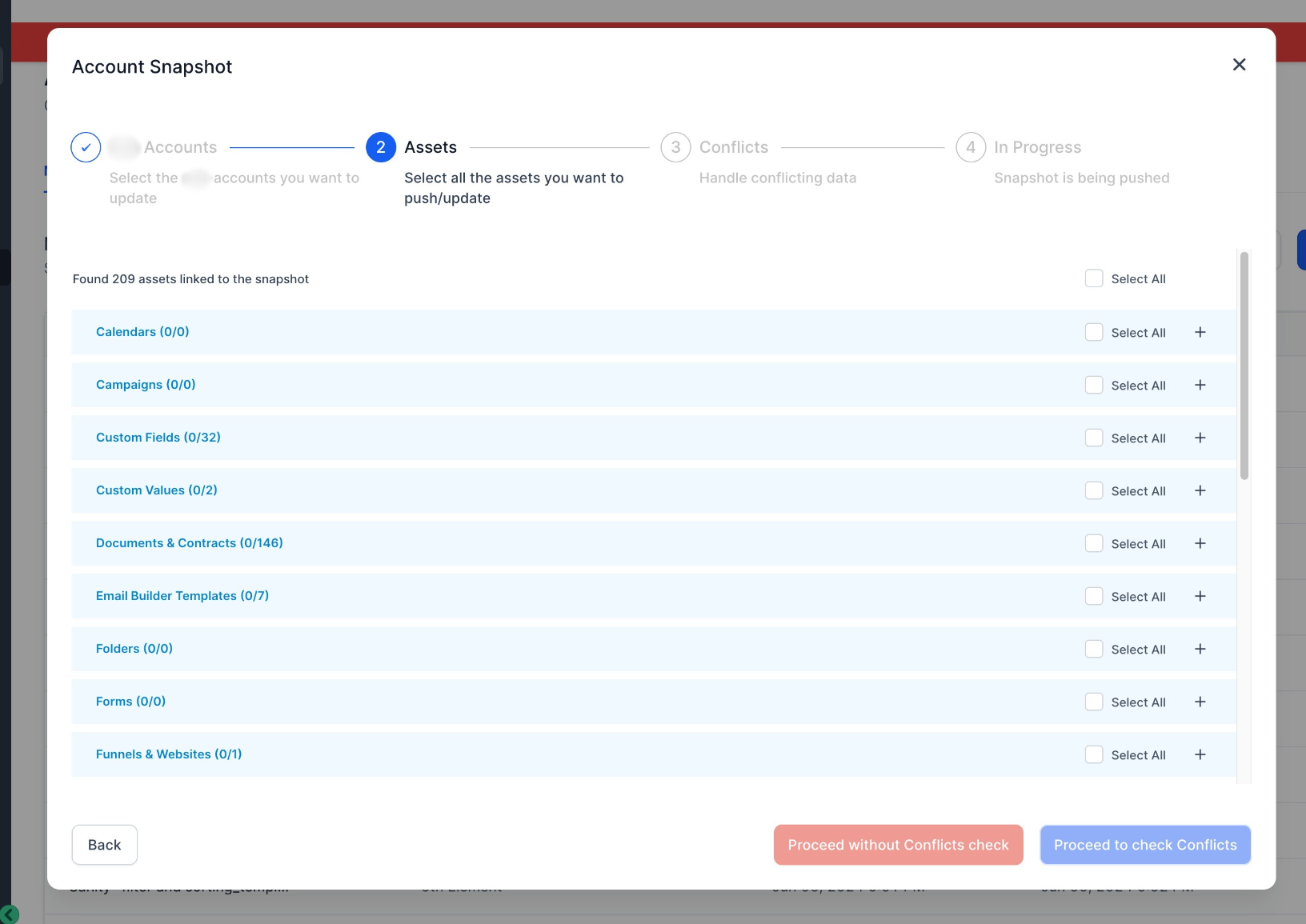
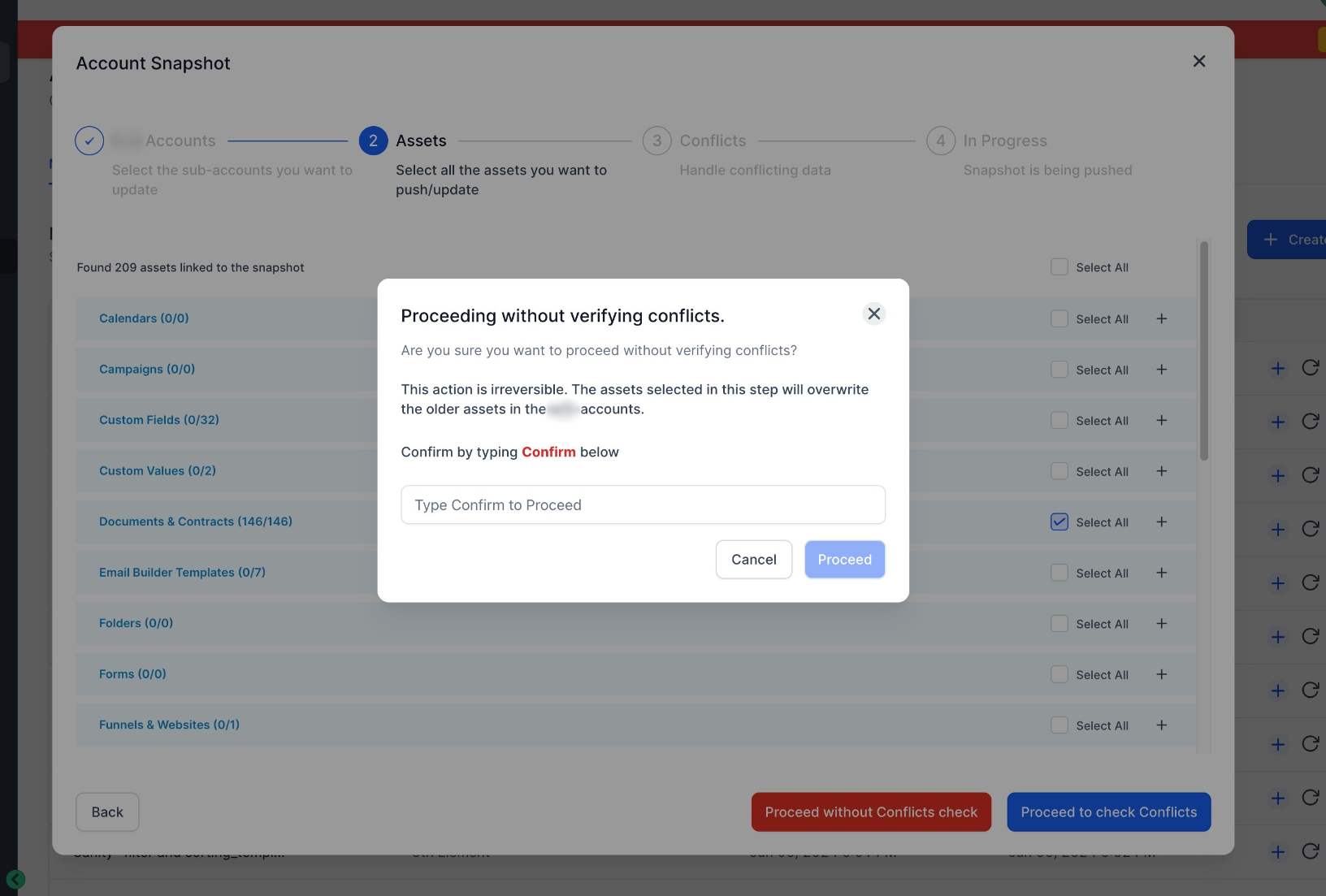
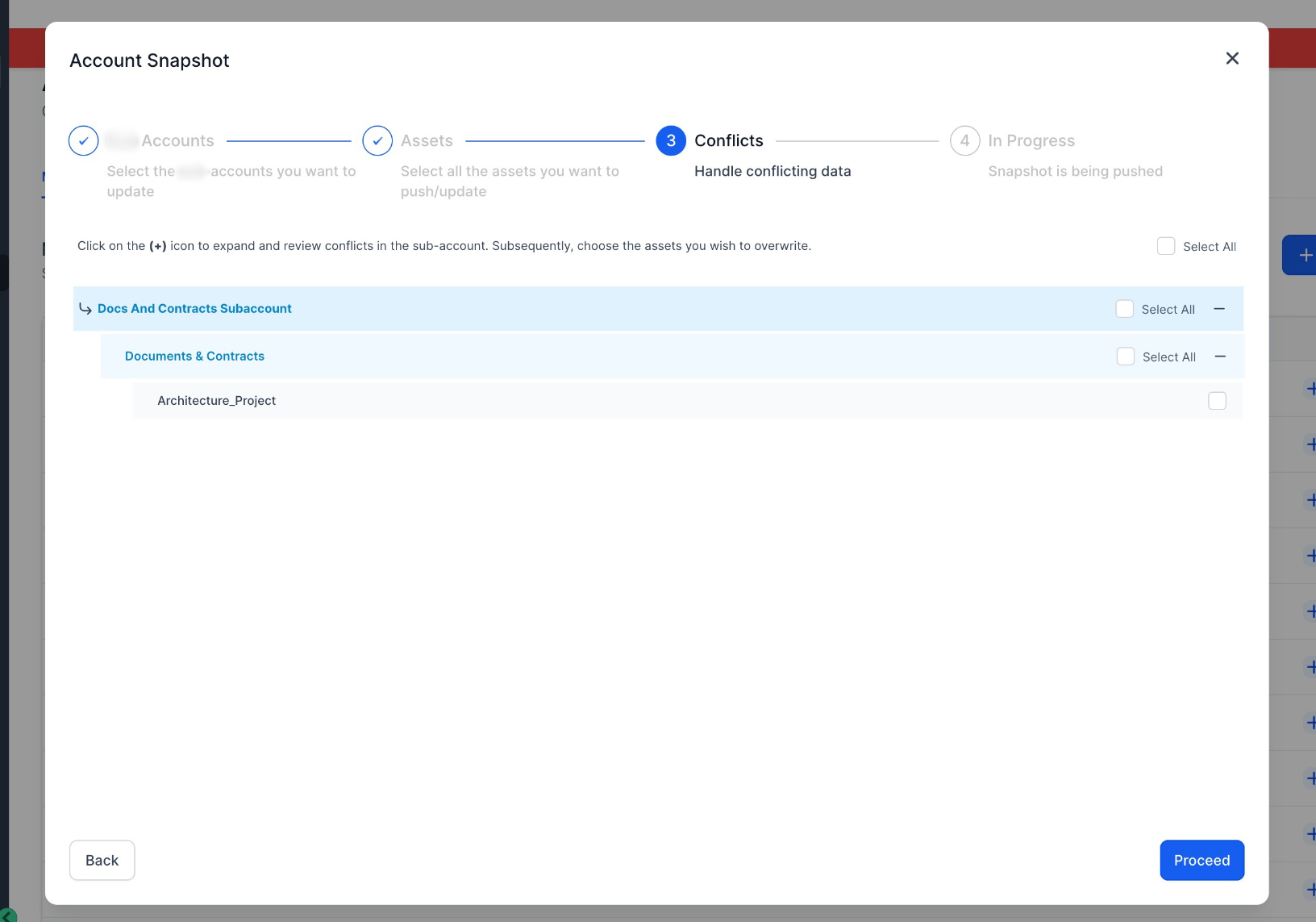
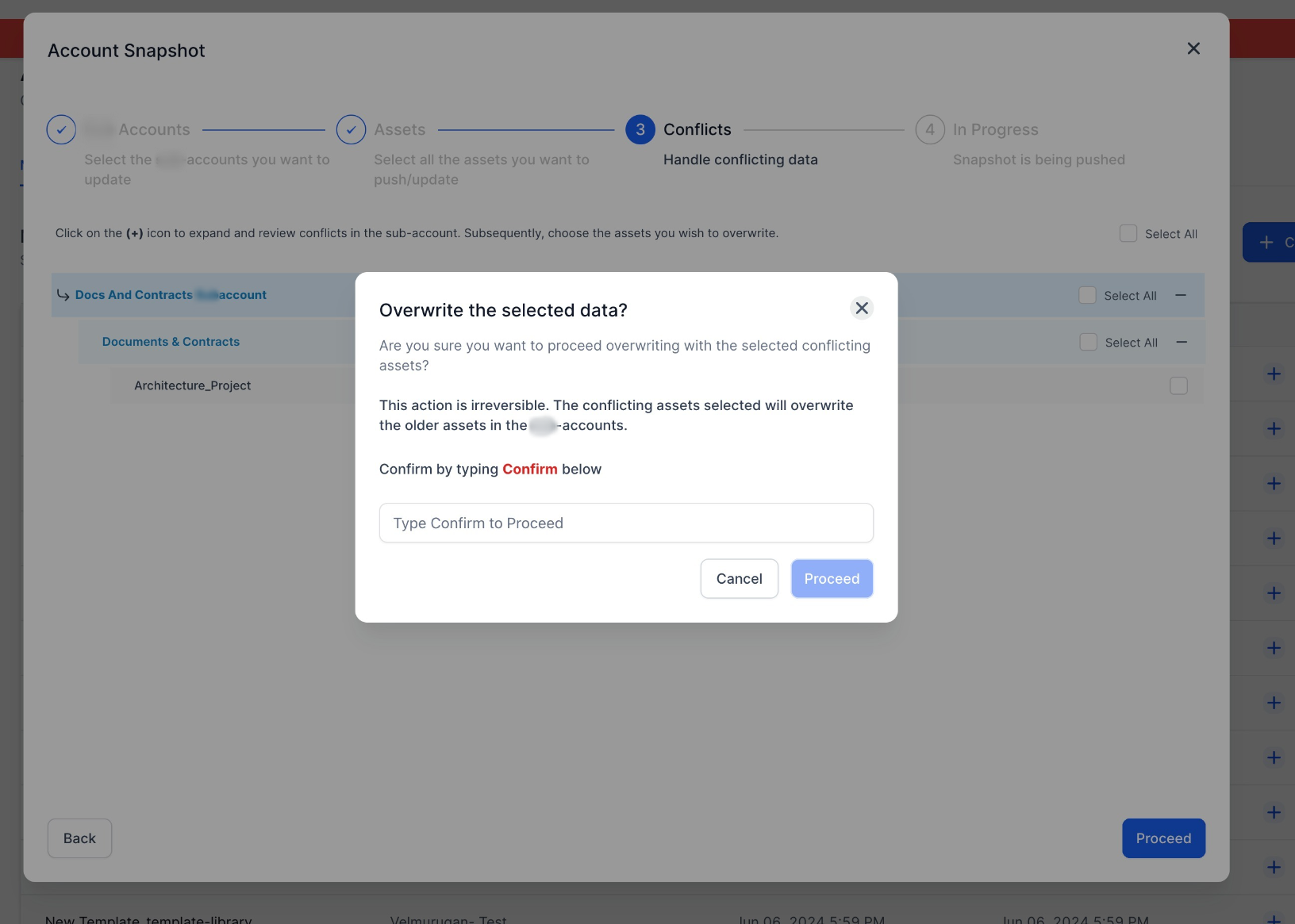
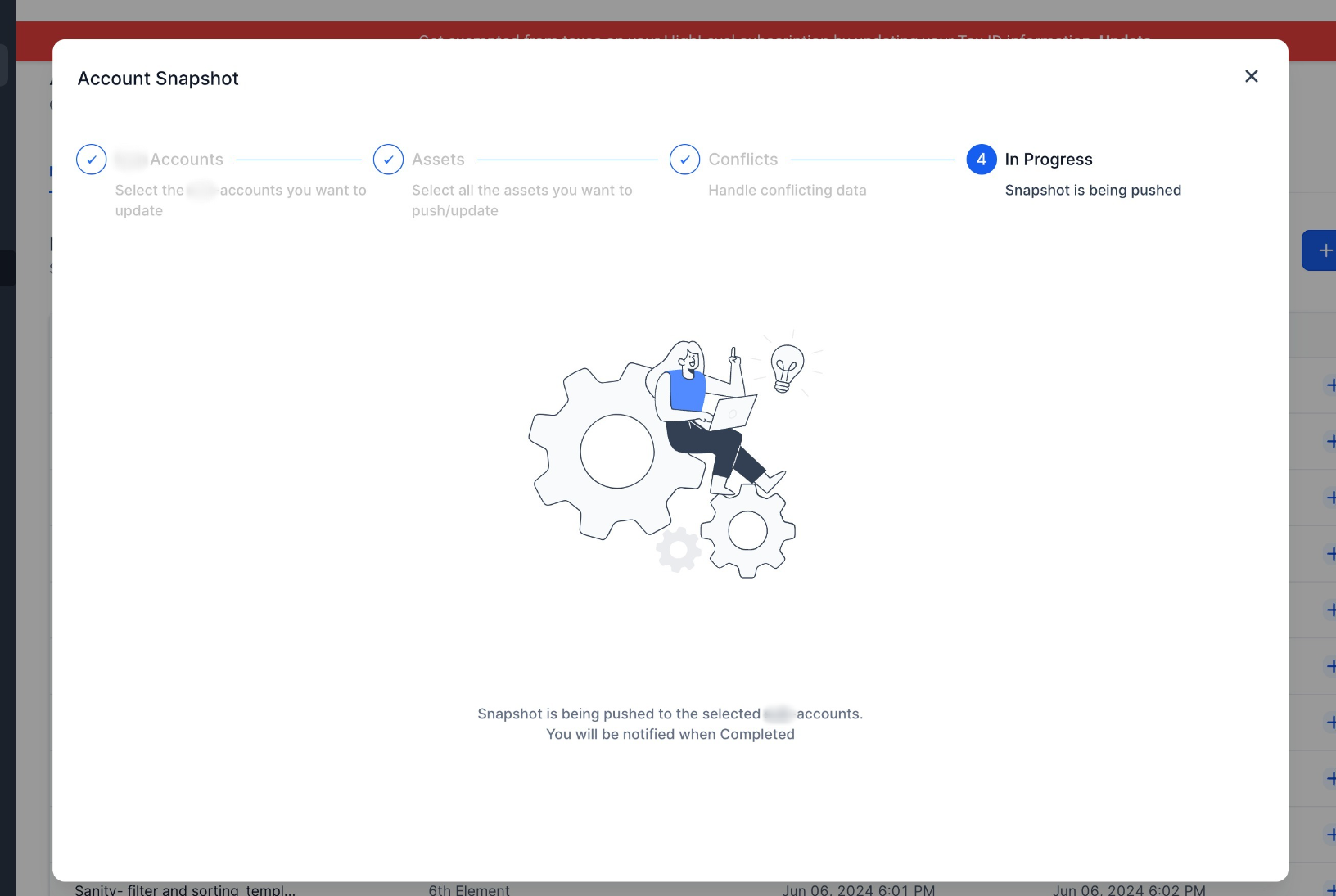
- Load the snapshot into the desired account
- Select all the Document Templates you want to load into the desired location
Why it Matters:
- This feature streamlines the onboarding process for accounts, allowing them to easily replicate Document and Contracts setup across different accounts. With pre-configured document templates, accounts can ensure a consistent user experience and quickly provide basic templates to their clients.
Was this article helpful?
That’s Great!
Thank you for your feedback
Sorry! We couldn't be helpful
Thank you for your feedback
Feedback sent
We appreciate your effort and will try to fix the article